How we made it
Light first: why our apps ignore dark mode
Our apps used to follow your phone's dark setting. After trying a darker design, we made light the default for every app and site. Night is still there for families who choose it.
When we first built the IqraSaurus apps, they followed the phone: light in the day, dark if the phone was set to dark. It seemed the polite thing to do.
A prototype that didn't work
On 19 October 2026 we tried a new idea: one big button that opens the day's activity, on a dark background. We tried it ourselves and did not like it.
- The dark screen felt gloomy and unfriendly for children.
- The animated finger pointing at the button looked like a robot finger.
- There were too many words and too little white space.
- The way it picked a reading for a feeling didn't work: "feeling low" gave the last two ayat of Surah Al-Baqarah, which is a lot even for adults.
What we changed
The same day, we decided that every IqraSaurus app and website opens in light colours, whatever the phone is set to. Night is still there: a family can choose it in any app's settings, and the websites follow that choice.
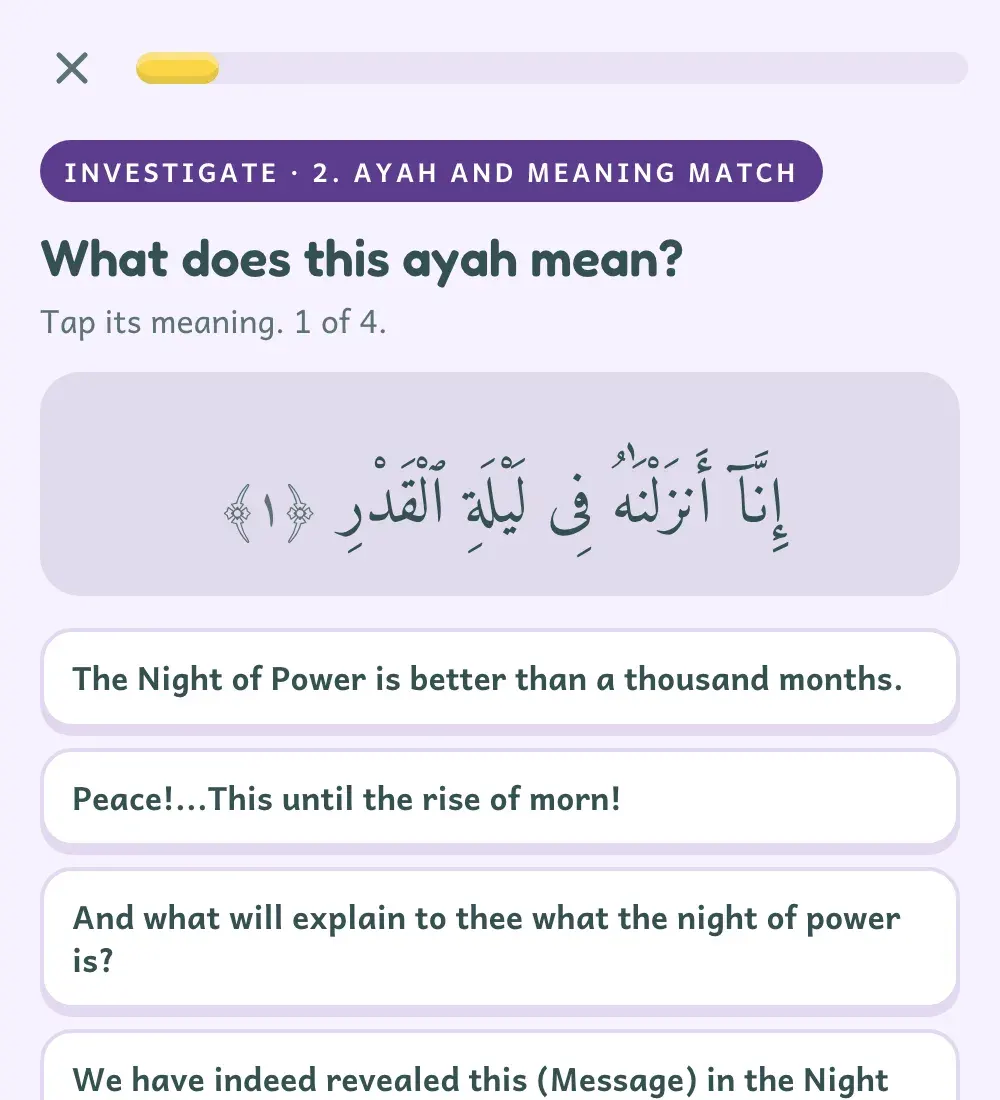
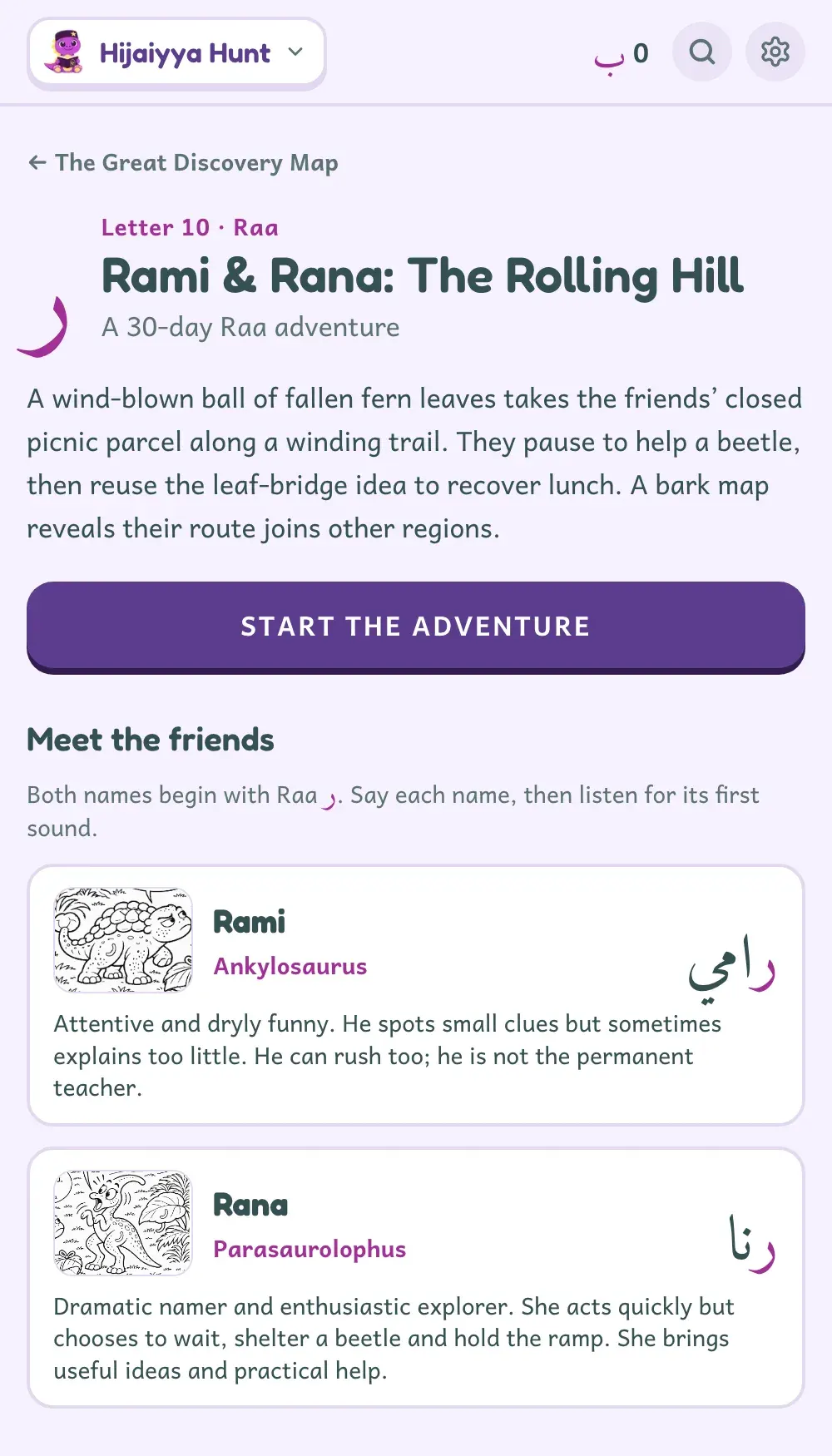
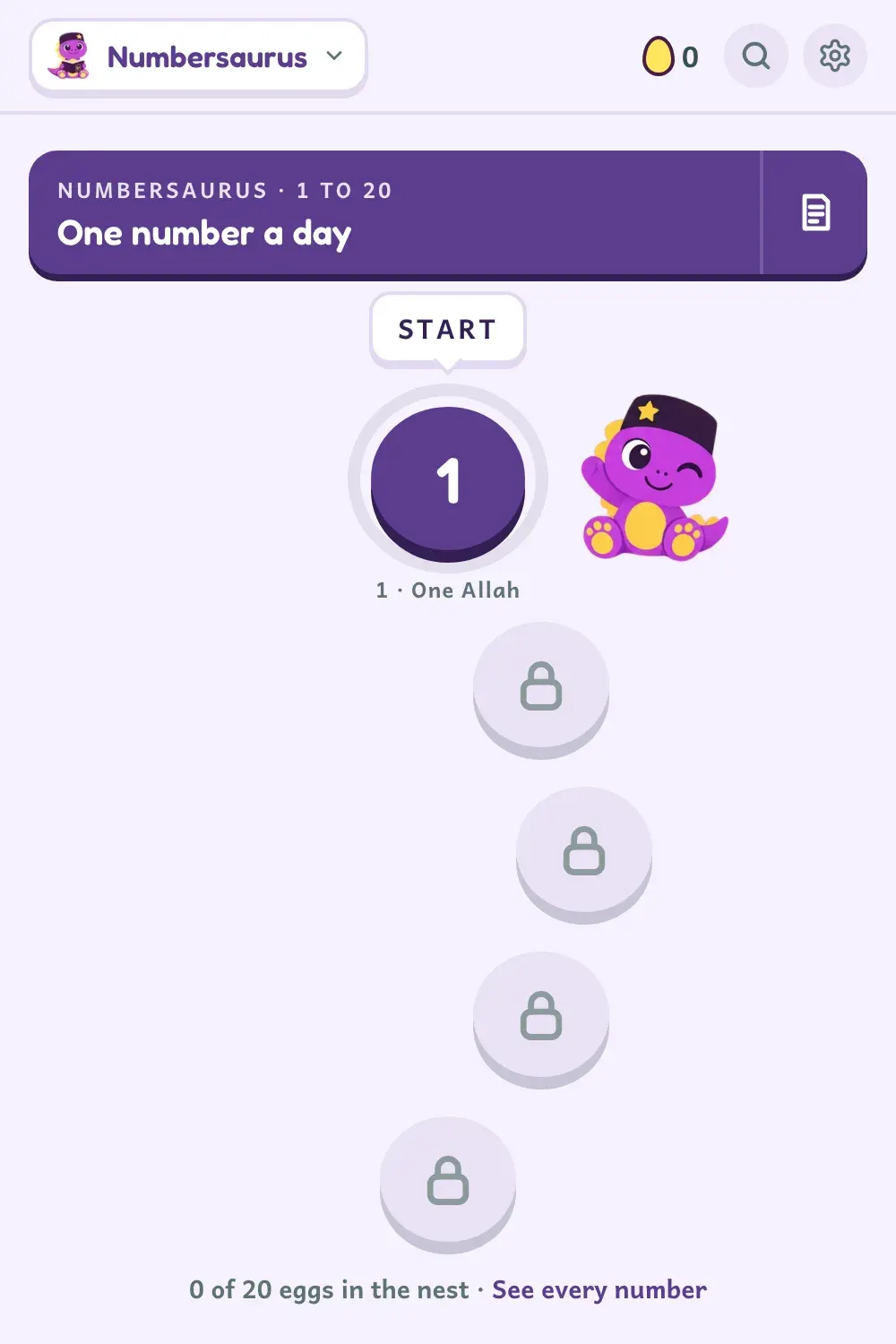
We also moved every app to a new look, one at a time. It has a light lilac page, a path of lessons, one idea on each screen, and tabs with pictures instead of words. Numbers & Counting got it first, and each app followed only after we had checked it.
Two days later we found one more place where dark didn't work. In our shop, Night mode turned the page dark around the white page previews. The shop is now always light.
Choosing Night
To use Night, open the settings (the gear) in any IqraSaurus app and switch from Day to Night.